Boost your productivity with Snipaste
Snipaste is a simple but powerful snipping tool, and also allows you to pin the screenshot back onto the screen. Download and start the application, press F1 to start snipping, then press F3 to paste it as a floating window. That's it!
Intuitive snipping
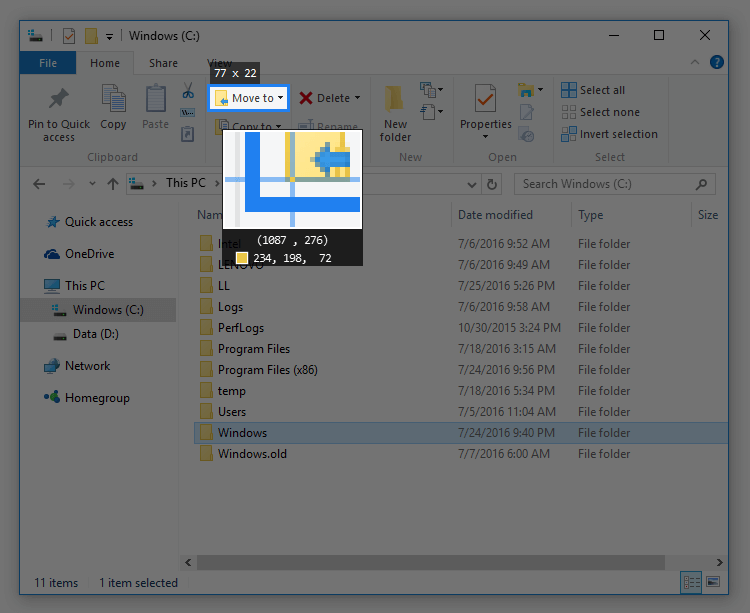
Get pixel-perfect control over your screens capturing process. Snipaste automatically detects UI structures so you don't have to precisely drag manually.
- Auto-detect UI elements under cursor
- Pixel-level control using arrow keys
- Built-in Color picker (press
F1,C, thenF3) - History playback (press
,/.to go back and forward in snip history) - Full Multi-screen and HiDPI (Retina) display support
Paste images as topmost floating windows
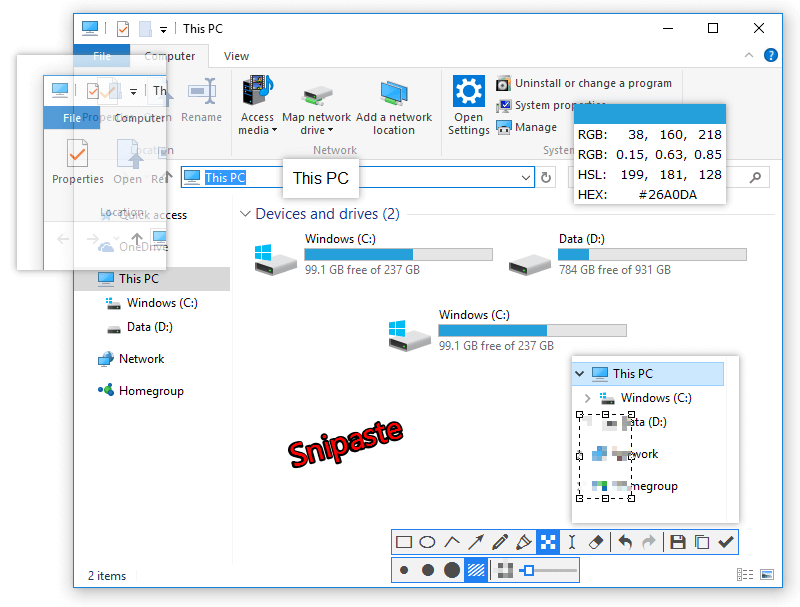
Pin any snippet, copied image, text, or color info back to your screen. Ideal for keeping references, coding guides, color palettes, or mockup comparisons always in sight.
- Clip source support: Images, Plain Text, HTML, Color Hex/RGB, and files (PNG, JPG, BMP, GIF, etc.)
- Flexible adjustments:
- Zoom (
scroll wheelor+/-) - Rotate (
1/2) or Flip (3/4) - Set transparency (
Ctrl+scroll) - Mouse click-through mode for transparent tracing
- Zoom (
- Auto backup & restore so your floating pins never get lost on reboot
- Pin grouping and thumbnail mode
Easy image annotation
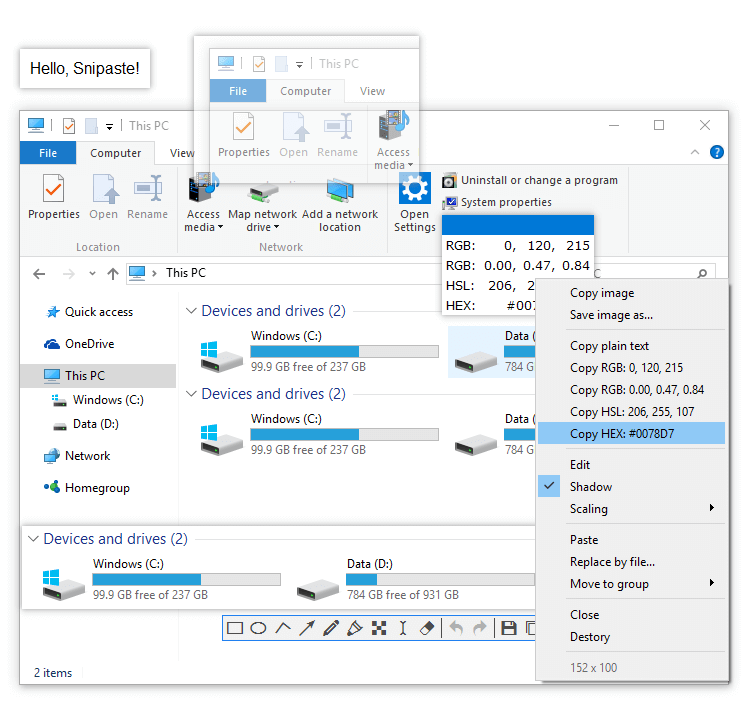
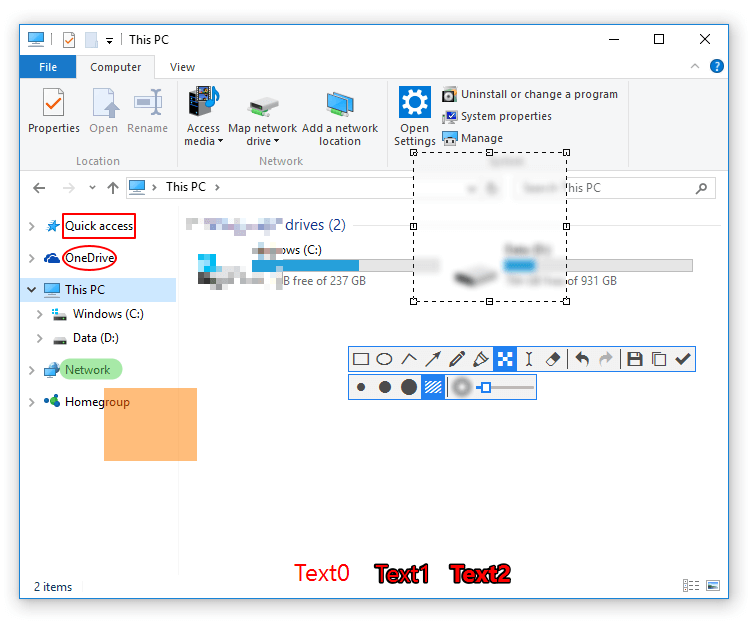
Highlight important parts of your screen grabs instantly with built-in drawing and annotation tools.
- Rich Vector Shapes: Rectangle, Ellipse, Arrows, Lines, Pencil, and Marker Pen
- Advanced Filters: Text annotations, Mosaic (pixelate), Gaussian Blur, and Eraser tool
- Full multi-level Undo & Redo history
Deep Customization
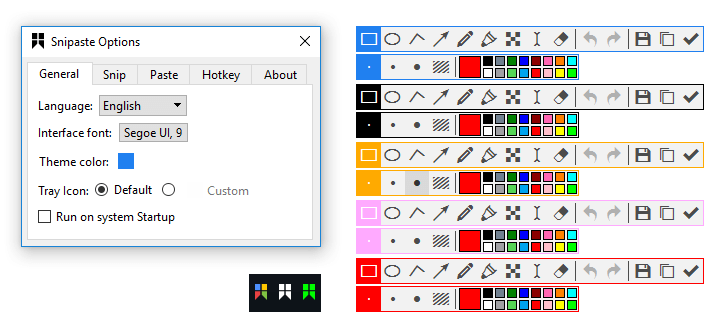
Make Snipaste feel like your own native operating system tool. Every detail can be fine-tuned to fit your workflow.
- Customizable UI theme colors, interface fonts, and system tray icons
- Fully mapable keyboard global hotkeys
- Granular behavioral configuration for every capture and paste action